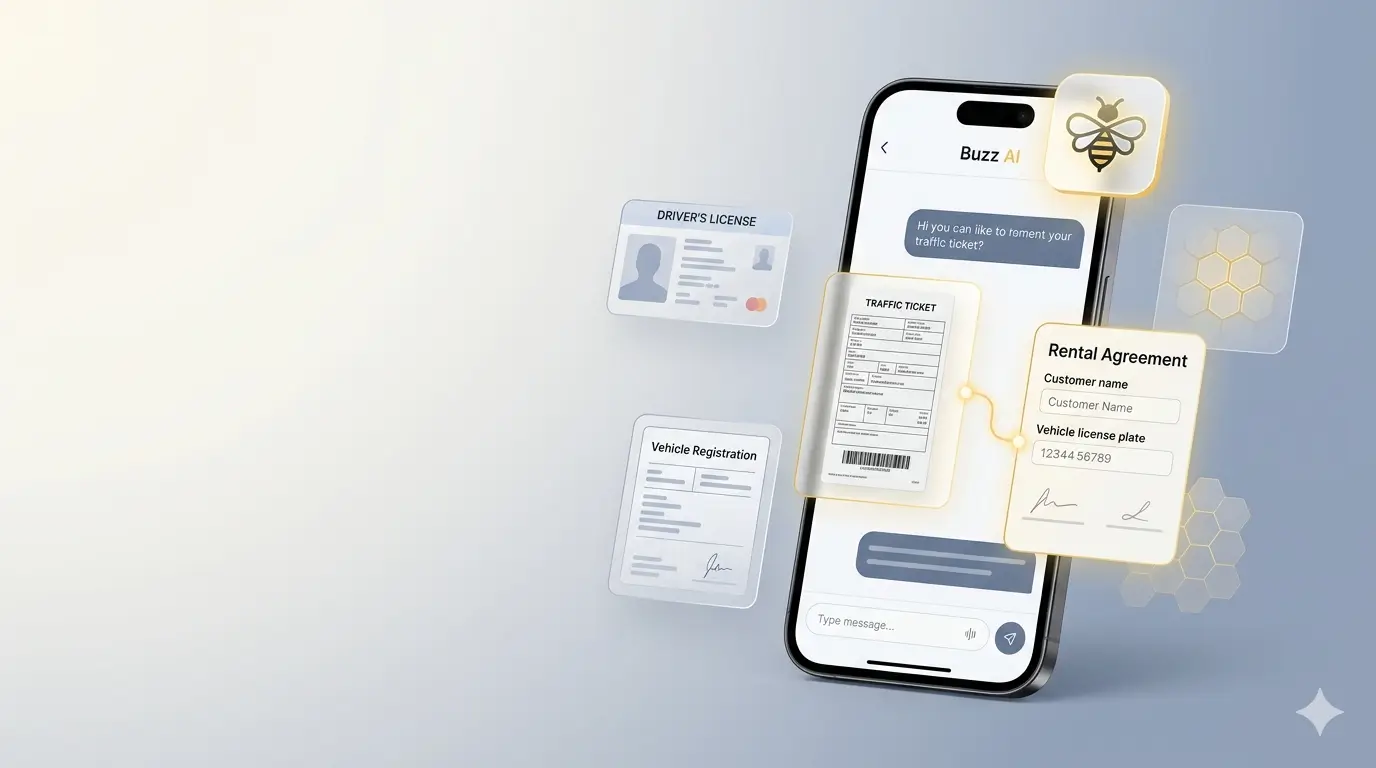
Key Highlights
- Finds the rental agreement attached to a traffic ticket in seconds — no more digging through paperwork
- Flags risky customers automatically using DNR (Do Not Rent) history and rental statistics
- Scans driver's licenses, registrations, and insurance cards with built-in OCR
- Runs full workflows — vehicle creation, document attachment, ticket filing — with human approval gates
Running a rental business means juggling a hundred small operations a day — looking up an agreement when a parking ticket arrives in the mail, checking whether a walk-in customer has a history you should know about, scanning a fresh registration into the right vehicle file. Each task is small. Together, they consume entire afternoons.
That's exactly the problem we built Buzz AI to solve.
Buzz AI is the rental-native AI assistant living inside Rentbee's car rental software. It speaks plain English, understands your fleet and customers, and runs the operational work that used to require five tabs and a calculator. Early users tell us it has changed how their front desk feels — and the two features they keep mentioning are the ones we'll dig into below.
What Buzz AI Actually Does
Buzz AI isn't a chatbot bolted onto a rental platform. It's an agent that has been given direct, role-aware access to every part of your rental operation: vehicles, contracts, customers, documents, payments, revenue reports, fleet utilization, rental rates, even local weather forecasts when a customer asks about a long-haul rental.
You can ask it to:
- Pull up an agreement, customer, or vehicle by name, plate, VIN, or ID number
- Calculate fleet utilization at a specific location to inform a pricing decision
- Generate a revenue summary for a date range
- Scan a document and attach it to the right vehicle, customer, or contract
- File a traffic ticket against the agreement that was active when it was issued
- Look up a customer's payment history and outstanding balance
It does all of this through a chat interface in the Rentbee mobile and web apps — and for any action with real consequences (uploading a document, attaching a ticket to a contract), it pauses and asks for your approval before committing.
The Feature Early Users Love Most: Finding Contracts From Traffic Tickets
Here's the workflow every rental operator knows by heart. A parking ticket, red-light citation, speeding ticket, or toll violation arrives in the mail. It happened three weeks ago. You need to figure out which customer was driving that vehicle on that date, attach the ticket to their agreement, and forward the charge.
The old way: pull the ticket, read the plate, search your fleet for that vehicle, pull up the agreement history for that vehicle, scroll until you find the dates that overlap with the incident, hope you got the right one, scan the ticket, attach it to the contract.
The Buzz AI way: scan the ticket. That's it.
Buzz AI reads the ticket, identifies the vehicle and the incident time, finds the agreement that was active when the violation happened, confirms the match with you, and files the ticket against the right contract. The whole thing takes under a minute — and because Buzz AI checks in with you before committing anything, you never end up with a ticket attached to the wrong customer.
This is consistently the feature that early users mention first when we ask what changed for them. One operator told us they used to set aside Friday afternoons just for ticket processing. Now it happens at the front desk as the mail arrives.
The Other Feature Operators Won't Stop Talking About: Spotting Risky Customers
Rental fraud, payment defaults, and chargebacks are an industry-wide tax on legitimate operators. Most rental software gives you a customer record. Buzz AI gives you customer judgment.
Ask Buzz AI about a customer — by name, phone, email, ID number, or city — and it returns:
- DNR (Do Not Rent) status with the reason — if this customer has been flagged by your team or by another business in the network, you know immediately and you know why
- Identification details and expiry dates so you can spot expired licenses before you hand over keys
- Insurance policy data including expiration dates
- Rental history statistics — agreement count, reservation count, total payments, payment-method breakdown — so you can see at a glance whether someone is a repeat customer or a brand-new walk-in
- Address and contact verification including any opt-out flags
For rental businesses that participate in The Hive, Rentbee's community-driven fraud prevention network, the DNR signal extends across operators. A customer flagged by one rental business surfaces the warning at every other Hive participant — without exposing private details.
The result: less time spent investigating walk-ins, fewer bad rentals approved, and a real-time second opinion every time a marginal customer shows up.
Built for Real Rental Operations, Not Demos
What makes Buzz AI dependable for rental businesses isn't a clever model — it's the operational scaffolding around it:
- Approval gates on every action that changes data. Buzz AI proposes; you approve.
- Structured, validated workflows for high-stakes operations like creating a vehicle, filing a document, or attaching a ticket — not free-form chats that can drift off course.
- Role-based access — every action respects your existing Rentbee permissions. A Rental Agent sees what a Rental Agent should see; an Admin sees more.
- Proprietary guardrails purpose-built for rental operations, keeping Buzz AI accurate, on-task, and safe to trust with your data.
This is the difference between an AI feature and an AI product. Buzz AI is the second one.
How to Get Buzz AI
Buzz AI is a premium add-on for Rentbee customers. Once enabled, you'll find it as the chat icon in the Rentbee mobile app and the web dashboard — tap it, ask a question, scan a document, and you're off.
To turn it on for your account, reach out to our support team and we'll get Buzz AI provisioned and walk you through ticket lookup, customer screening, and document scanning using examples from a fleet your size.
For broader context on how Buzz AI fits into Rentbee, see our writeups on AI-powered document management and VIN decoding and vehicle registration.
FAQ
What is Buzz AI?
Buzz AI is the rental-native AI assistant for the Rentbee car rental management platform. It handles front-desk operations — agreements, customers, documents, ticket filing, fleet lookups, and reporting — through a plain-English chat interface with human approval gates on data-changing actions. Buzz AI is a premium add-on for Rentbee customers.
How does Buzz AI find the contract attached to a traffic ticket?
You scan the ticket through the app. Buzz AI reads the document, identifies the vehicle and incident time, matches it against your contract history, confirms the result with you, and attaches the ticket to the right agreement.
How does Buzz AI help identify risky customers?
When you search for a customer, Buzz AI returns Do Not Rent (DNR) status and reason, ID and insurance expiry dates, full rental history statistics, and payment patterns. For Hive participants, DNR flags from other rental businesses surface automatically.
Is Buzz AI safe to let loose on my rental data?
Yes. Every action that modifies data — uploading a document, attaching a ticket, creating a vehicle — pauses for explicit user approval before committing. Buzz AI also enforces role-based permissions, per-session budgets, and structured workflow validation so it can't freelance into states you didn't authorize.
How do I get Buzz AI for my rental business?
Buzz AI is a premium add-on for Rentbee customers. Contact our support team to have it enabled on your account, and they'll walk you through onboarding and pricing.
The Bottom Line
The rental businesses winning in 2026 are not the ones with the fanciest websites or the biggest fleets. They're the ones who stopped letting paperwork eat their week. Buzz AI is built for that — turning ticket processing from a Friday-afternoon ritual into a 60-second task, and turning customer screening from a gut feeling into a data-backed decision.
Talk to our team about enabling Buzz AI and see why early users keep telling us it's the feature they didn't know they were missing.