Key Highlights
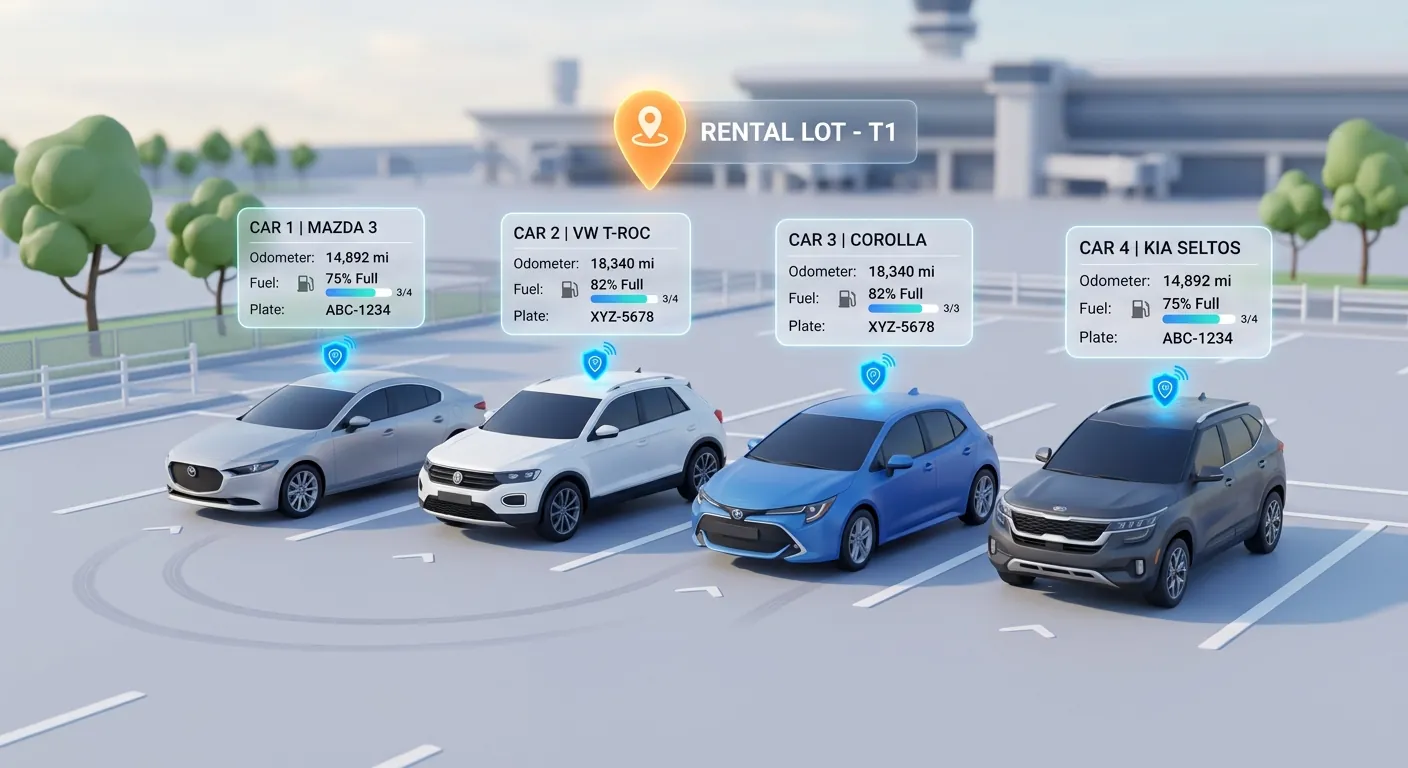
- Connect your Geotab account in a few minutes from Settings → Integrations, no IT project required
- Vehicles link to their Geotab devices automatically by VIN or license plate
- Odometer and fuel or battery levels update on their own, every hour, between rentals
- See where a vehicle is on a map, with a "Locate now" button and role-based access that respects renter privacy
If your rental fleet already runs on Geotab, you've got a goldmine of data sitting in one system while your team types numbers into another. Odometer readings copied off the dashboard. Fuel levels eyeballed at the counter. A late return that sends someone hunting through a separate telematics portal to find out where the car actually is.
Today, that gap closes. Rentbee now integrates with Geotab, so the telematics data you already pay for flows straight into your car rental software, where your team actually works.
Why We Built a Geotab Integration
Geotab is one of the most widely used telematics platforms in the world, and plenty of rental and fleet operators already have Geotab devices plugged into their vehicles. When we asked Rentbee customers what data they wished they didn't have to re-enter, the answer was almost always the same: mileage, fuel, and "where is that car right now?"
Those three numbers drive a surprising amount of a rental business:
- Mileage decides service intervals, excess-mileage charges and when a vehicle is due for rotation out of the fleet
- Fuel level decides refuelling charges and whether the next customer drives off with a full tank
- Location decides how fast you can respond to a late return, a suspected theft or a car that's "somewhere on the lot"
When those numbers live only in a telematics portal, they're accurate but out of reach. When they're typed into rental software by hand, they're in reach but often stale. With the Rentbee Geotab integration, you get both: accurate data, right where you need it.
What the Geotab Integration Does for Your Rental Fleet
Connect in minutes, not weeks
There's no integration project, no consultant and no custom code. An admin opens Settings → Integrations in Rentbee, chooses Geotab, enters the account details, and Rentbee checks the connection on the spot. If something's wrong, you find out immediately, not three days later.
Running more than one Geotab database, say for different locations or legal entities? You can connect each one separately.
Vehicles link to their trackers automatically
Once you're connected, Rentbee matches each vehicle in your fleet to its Geotab device by VIN, and falls back to the license plate when needed. There's nothing to map by hand.
Your vehicle list gains a Telemetry column that shows, at a glance, which vehicles are linked and whether their connection is healthy, with a simple green, amber or red status and the time of the last sync. If a vehicle shows as "Not linked", it's usually a sign that a VIN or plate needs correcting, which is worth knowing anyway.
Odometer and fuel that keep themselves current
Every hour, Rentbee reads the latest odometer, fuel level and, for electric vehicles, battery charge from Geotab and updates each linked vehicle. That means the numbers on a car's profile reflect reality between rentals, not just the last time someone checked it in.
We built this carefully, because these figures matter:
- Odometer readings only move forward. An older or lower reading never overwrites a newer one.
- Your counter staff stay in charge. A telemetry reading taken before your team's last manual entry never replaces it.
- Signed agreements are never touched. The mileage and fuel recorded at check-out and return stay exactly as your team saved them, so your contracts and charges stay defensible.
- Service reminders stay accurate. When the odometer moves, mileage-based service reminders update with it.
Need a reading right now instead of waiting for the hourly sync? Each vehicle has a sync button that pulls the latest figures on demand.
See where a vehicle is, when you need to
A linked vehicle's page now shows a Location card with a map, a marker at the vehicle's last known position and the time it was recorded. Hit "Locate now" and Rentbee asks Geotab for the current position on the spot.
It's built for the moments that matter most to rental operators: a customer who's late bringing the car back, a vehicle you suspect has been stolen, or a car you just can't find on a busy lot.
Built to Earn Your Trust (and Your Renters')
Connecting a telematics platform to your rental software means trusting it with sensitive data. Here's how we've designed the Geotab integration to deserve that trust.
Your Geotab credentials stay locked away. They're kept in a secure vault, used only to talk to Geotab, and never shown back to anyone in Rentbee, not even admins.
Rentbee only reads from Geotab. The integration never sends commands to your vehicles or changes anything in your Geotab account.
Location access follows your team's roles. Admins, managers and support staff can see a vehicle's location. Rental agents can see it only while the vehicle is available on the lot, not while it's out with a customer. Delivery agents don't see it at all. These rules are enforced on our servers, not just hidden in the app.
We keep the last position, not a trail. Rentbee stores only a vehicle's most recent location. There's no position history or route tracking, which keeps your business on the right side of renter privacy expectations.
You'll know if anything breaks. If Geotab credentials expire or the connection starts failing, the status turns amber or red in Rentbee so your team can fix it before the data goes stale.
Who Benefits Most
The Geotab integration is a natural fit for:
- Independent rental companies that added Geotab for theft protection and want that investment to pay off at the counter too
- Multi-location operators who need accurate mileage across sites without chasing each branch for readings
- Insurance replacement fleets where long, open-ended rentals make between-rental odometer and fuel data especially valuable
- Businesses running several legal entities, each with its own fleet. See our guide to multi-entity fleet management
The First of Many Telematics Integrations
Geotab is the first telematics provider Rentbee connects to, and it won't be the last. We've built the integration so that more providers can plug into the same experience: the same Telemetry column, the same automatic odometer and fuel updates, the same location card.
We're also working on putting this data to work in more places across the rental workflow, from check-out and return to servicing, so your team types less and trusts the numbers more.
FAQ
Does Rentbee integrate with Geotab?
Yes. Rentbee connects directly to Geotab. Once connected, your vehicles link to their Geotab devices automatically, and Rentbee keeps their odometer, fuel level, battery charge and last known location up to date.
How do I connect Geotab to Rentbee?
An admin opens Settings → Integrations in Rentbee, chooses Geotab and enters the Geotab account details. Rentbee checks the connection straight away. If you'd like a hand, our team can walk you through it.
How often does Rentbee update odometer and fuel from Geotab?
Every hour, automatically. You can also refresh a single vehicle on demand, and ask for a vehicle's live location with "Locate now".
Will telematics data overwrite what my staff record at check-out or return?
No. Figures recorded on a rental agreement at check-out and return are never changed by telematics data, and a reading older than your team's last manual entry never replaces it.
Can my rental agents track customers while they're driving?
No. Rental agents can see a vehicle's location only while it's available, not while it's on rent. Admins, managers and support staff can locate any linked vehicle, and Rentbee keeps only the last known position, not a history of where a vehicle has been.
Do I need new hardware?
No. If your vehicles already have Geotab devices installed, the integration uses them as they are.
Get Your Geotab Data Working for Your Rental Business
You already have the data. Now it can do real work at the counter, in your fleet list and in your service schedule, without anyone typing a single odometer reading.
Already a Rentbee customer with Geotab? Contact our team and we'll help you connect. New to Rentbee? Book a demo and see how a connected fleet looks inside modern rental management software.
Geotab is a trademark of Geotab Inc.