Key Highlights
- Accrual-based revenue recognition for accurate tax reporting
- Breakdown by location, booking channel, and contract status
- Track payments received vs. outstanding balances
- Filter by checkout, check-in, creation, or closure dates
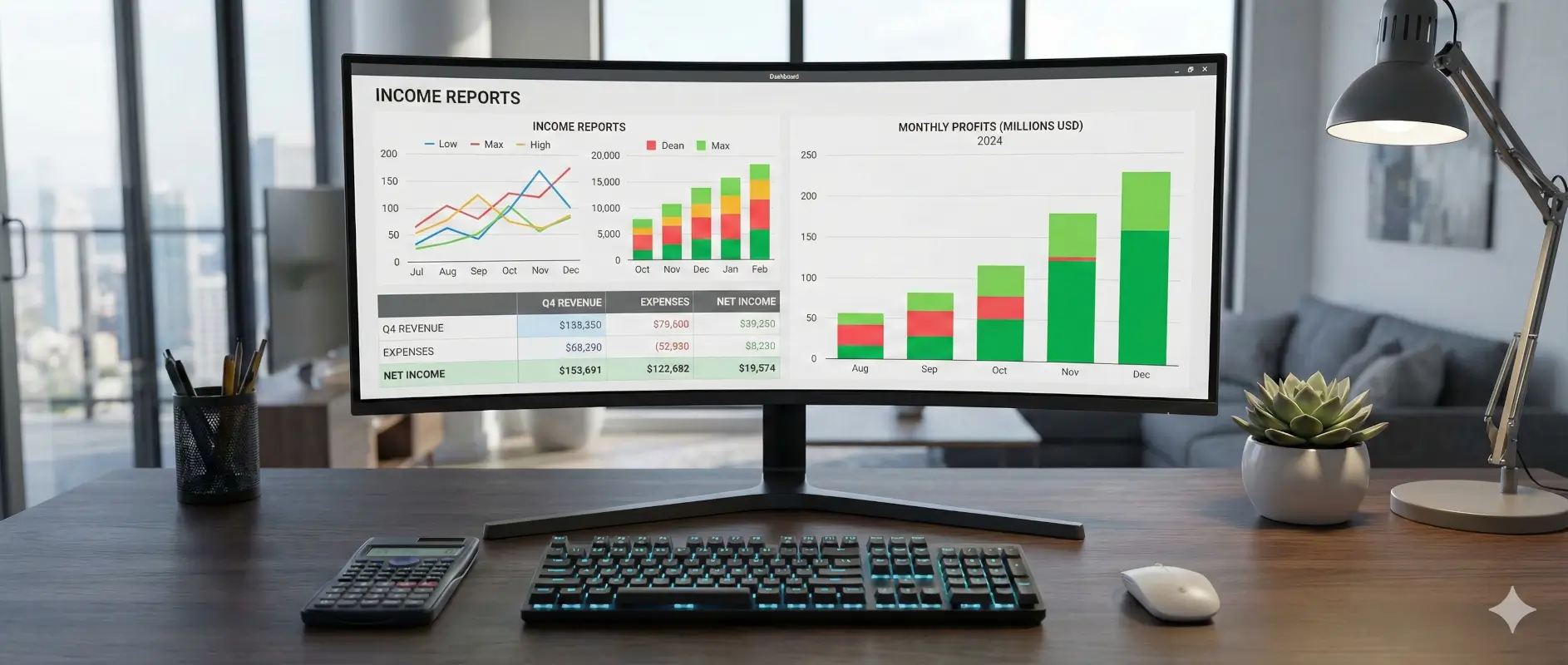
Tax season is here, and if you're running a rental business, you know the drill: gathering income records, reconciling payments, and making sure every dollar is accounted for. We built the Contract Revenue Report into Rentbee's car rental software to make this process painless.
Why Accrual-Based Reporting Matters
Most rental businesses need to report income on an accrual basis for tax purposes. This means recognizing revenue when it's earned, not just when cash hits your account.
The Contract Revenue Report follows proper accrual accounting principles:
- Revenue is recognized when the rental occurs, regardless of payment timing
- Tax collected is calculated accurately based on invoiced amounts
- Outstanding balances are separated from actual payments received
This distinction is critical for accurate tax filing and gives you a true picture of your business performance.
What the Report Shows
Summary View
Get instant visibility into your revenue with aggregated totals:
| Metric | What It Shows |
|---|---|
| Total Revenue Earned | All income recognized in the period |
| Total Subtotal | Revenue before tax |
| Total Tax Collected | Sales tax you've invoiced |
| Payments Received | Cash actually collected |
| Outstanding Balance | Invoiced but unpaid amounts |
Revenue Breakdowns
See exactly where your income comes from:
- By Location — Compare performance across your rental locations
- By Booking Channel — Track revenue from Airbnb, direct bookings, and other channels
- By Contract Status — Understand revenue from active, completed, and other contract states
Detailed Contract List
Need granular data? The detailed view shows every contract with:
- Contract number and customer information
- Asset details and registration number
- Checkout and check-in dates
- Invoice breakdown (subtotal, tax, total)
- Payment status and balance due
- Booking channel and location
Export this data anytime for your accountant or tax software.
Flexible Date Filtering
Different reporting needs require different date perspectives. Filter your revenue by:
| Filter Type | Best For |
|---|---|
| Checkout Date | When rentals started (default) |
| Check-in Date | When rentals ended |
| Created Date | When bookings were made |
| Closed Date | When contracts were finalized |
Set any date range to match your tax year, quarter, or custom period.
Handles Complex Scenarios
No-Show Reservations
When customers book but don't show up, you may keep their advance payment. The report correctly recognizes this revenue from the payments received—without counting it as a full rental.
Converted Reservations
If a reservation converts to an agreement, the report tracks payments from both the original reservation and the final agreement. No double-counting, no missed revenue.
Multi-Location Businesses
Operating from multiple locations? Filter by specific locations or view the breakdown across all of them. Perfect for businesses with several branches or service areas.
Built for Tax Compliance
The Contract Revenue Report gives you exactly what your accountant needs:
For Income Reporting
- Total revenue earned during the tax period
- Breakdown of taxable income by location
For Sales Tax Filing
- Total tax collected on rentals
- Tax amounts separated by location for multi-jurisdiction filing
For Cash Flow Reconciliation
- Payments received vs. revenue recognized
- Outstanding receivables at period end
Who Can Access It
The Contract Revenue Report is available to users with Admin or Manager roles. This keeps sensitive financial data secure while ensuring the right people have access when they need it.
Getting Started
Ready to simplify your tax preparation?
- Navigate to Reports in your Rentbee dashboard
- Select Contract Revenue Report
- Set your date range (e.g., January 1 - December 31, 2025)
- Choose your preferred date filter type
- View the summary or drill into contract details
The data is available instantly—no waiting for reports to generate.
Make Tax Season Stress-Free
Tax preparation doesn't have to mean weeks of spreadsheet wrangling. With the Contract Revenue Report, you get accurate, accrual-based income data organized exactly how you need it.
Request a demo and see how Rentbee simplifies financial reporting for rental businesses.
Need help with your revenue reports or have questions about tax reporting? Contact our support team—we're here to help.